
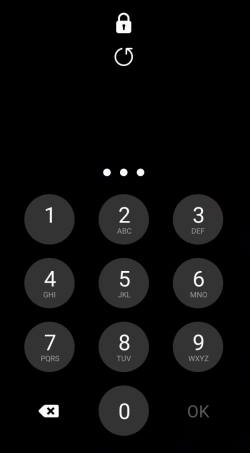
 You can hide Galaxy S21 password or PIN when you type them to unlock the phone. So, the prying eyes will only see dots instead of the actual characters.
This Galaxy S21 guide explains why you should hide Galaxy S21 password or PIN when typing and how to hide Galaxy S21 PIN and password when unlocking your phone or when you type them on any apps.
Although there are some differences among the three Galaxy S21 models, this security feature applies to all of them.
Why should you hide Galaxy S21 password and PIN when typing?
By default, when you type your password or PIN to unlock Galaxy S21, the phone displays the characters briefly (about 1-2 seconds) on the screen. The purpose of showing what you typed briefly is for you to check whether you typed them correctly.
But this can be a security threat to your data and accounts.
For example, if you unlock Galaxy S21 on public transport, prying eyes can easily see the password or PIN. The security cameras in the lift or other locations may also “see” the password or PIN.
You may argue it does not matter because you are holding the phone. … Read the rest
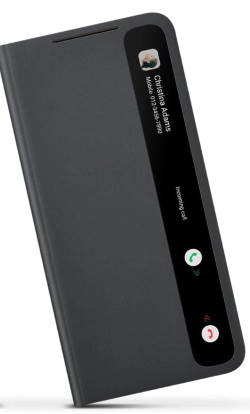
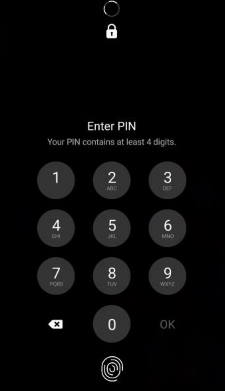
 You need to know the layout of Galaxy S21, S21+ or S21 Ultra to locate and use the buttons, ports, and key components properly.
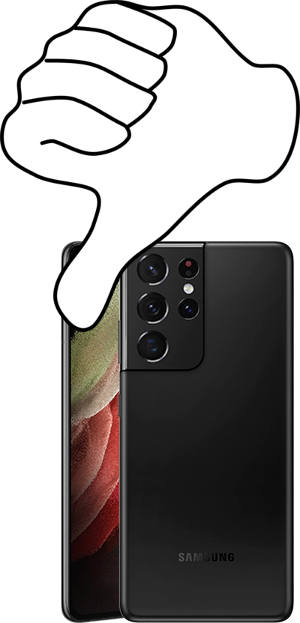 Galaxy S21 Ultra is Samsung’s only hope to reverse the declining sales of Galaxy S phones since Galaxy S10. But it seems Samsung lost the opportunity due to the numerous disappointments of Galaxy S21 Ultra.
