One UI 8 Update Highlights for Galaxy S25, S24, S23, and S22
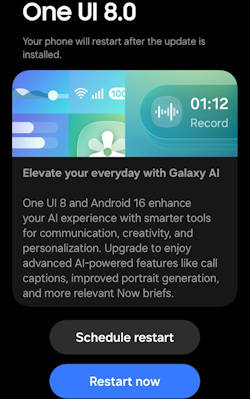
The One UI 8 update brings an array of exciting enhancements to Galaxy S25, S24, S23, and S22 devices, focusing on integrating advanced artificial intelligence features and optimizing user experience (see the list of all new features of One UI 8). With its foundation built on Android 16, One UI 8 is designed to elevate the way users interact with their devices, offering personalized suggestions, refined photo editing tools, and seamless multitasking capabilities. As Galaxy AI becomes a central feature of the user experience, One UI 8 aims to provide a smarter, more personalized, and visually appealing interface that adapts to individual user needs.
This Galaxy S25 new features guide aims to highlight the notable features introduced with the One UI 8 update. It provides a comprehensive analysis of the key enhancements within this update and underscores its significance for users of the Galaxy S25, S24, S23, and S22 models, enhancing your understanding of the new capabilities brought by One UI 8.
One UI 8 update has been rolled out to multiple Galaxy devices. Most of the new features are available on all devices. Therefore, this guide applies to most of the Galaxy devices with the One UI 8 (Android 16) update, not limited to Galaxy S25, S24, S23, and S22. You may also check the complete list of new features of One UI 8 and their usage.
Multimodal Intelligence: New Galaxy AI features
One UI 8 establishes Galaxy AI as a fully integrated, foundational layer within the software stack, moving beyond simple application features to optimizing complex user interactions through advanced multimodal capabilities.
Now Brief Enhancements and Personalized Suggestions
Utilizing the underlying Personal Data Intelligence (PDI) system, Now Brief provides personalized, proactive suggestions based on recognized user routines and context. These … Read the rest