Galaxy AI

Now Brief on Galaxy S25
Galaxy AI, Galaxy S25 How-to Guides, Galaxy S25 New Features

How to Access and Customize Now Brief on Galaxy S25?
How to Access and Customize Now Brief on Galaxy S25?

Most of us often struggle with too many notifications and updates from different apps, which can be overwhelming. Now Brief, which was introduced with Galaxy S25 aims to help with this problem by using AI to filter and collect important information and then presenting such information in a clear and simple way, making it easier for us to follow and keep updated.

This Galaxy S25 how-to guide provides a comprehensive overview of the Now Brief feature, explaining its functionalities and mechanisms. The guide also demonstrates three distinct methods for accessing Now Brief on Galaxy S25 and shows you how to customize Now Brief according to your personal preferences. Additionally, the relationship between the Now Bar and Now Brief is elaborated upon to clarify some misunderstandings of these two features.

Now Brief is available on three models of Galaxy S25 as part of the One UI 7. So, this guide also applies to other Samsung Galaxy phones with One UI 7 update.

Update: with the One UI 8 (Android 16) update, you can now check stock info in the Now Bar.

What is Now Brief on Galaxy S25?

At its essence, Now Brief is an AI-driven information dashboard that curates personalized, real-time updates tailored to user preferences and daily routines. Utilizing the advanced capabilities of Galaxy AI, it analyzes user behavior and context to deliver targeted information that aligns with individual schedules and interests.

The Now Brief on Galaxy S25 highlights Samsung's latest efforts to demonstrate the practical applications of Galaxy AI, aiming to show that its capabilities extend beyond mere marketing claims and can deliver tangible benefits to a wide range of users. It is marketed as the #1 new Galaxy AI feature.

Now Brief lets you receive a tailored briefing of selected content that is updated throughout the day, occurring between your designated wake-up time (defaulting to 6:00 AM if no … Read the rest

New Galaxy AI features in Galaxy S25, S25+, and S25 Ultra
Galaxy AI, Galaxy S25 New Features, Galaxy S25 News and Updates

New Galaxy AI features in Galaxy S25, S25+, and S25 Ultra

New Galaxy AI features in Galaxy S25, S25+, and S25 Ultra

Samsung updated Galaxy AI with the release of Galaxy S25. Some new Galaxy AI features were added and some existing Galaxy AI features were udpated.

This Galaxy AI guide explains the new Galaxy AI features in Galaxy S25, including Now Brief, Cross app action, Audio Eraser, Auto Trim, Personal Data Engine, ProScaler, Multimodal AI agents, AI Select, Writing Assist, and Drawing Assist.

Galaxy AI features introduced in One UI 6.1 and One UI 6.1.1 were explained on this page.

All these 10 new Galaxy AI features, except ProScaler, are available on all three models of Galaxy S25, S25+, and S25 Ultra.

Update: One UI 8 update introduced some new Galaxy AI features and improvements, as explained in this post.

 1. Now Brief

One of the most practical new features of the Galaxy S25 is called Now Brief. This AI-driven tool offers users personalized summaries tailored to their preferences. You choose (enroll) apps and content to be included for Now Brief. For instance, in the morning, users can check their daily schedules and receive energy scores from their Samsung wearables.

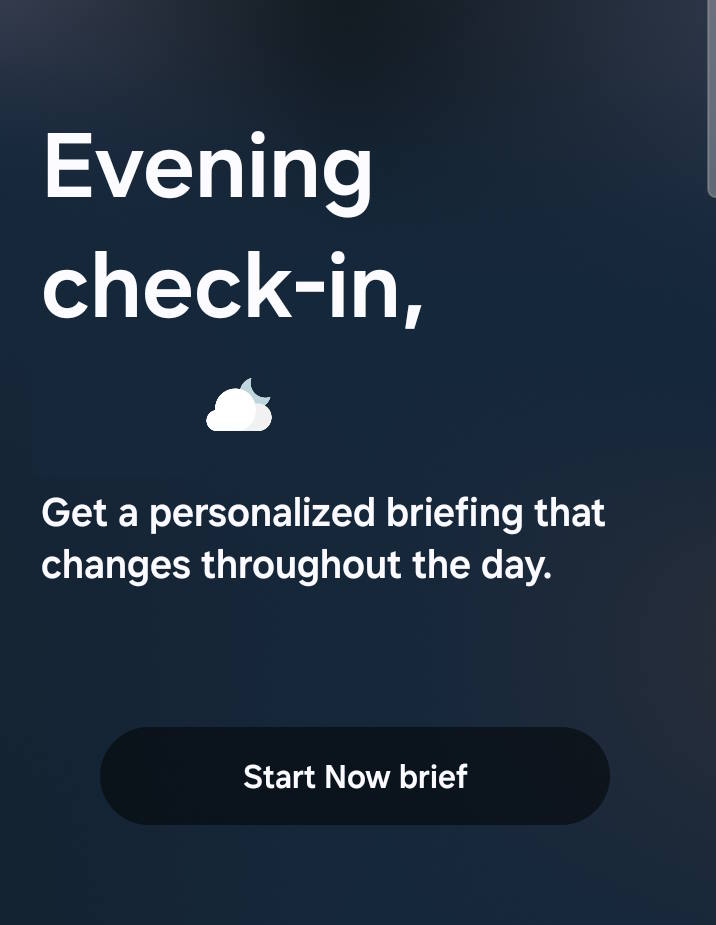
Now Brief is readily accessible on the Galaxy S25 lock screen through the Now Bar located at the bottom. You can also add a shortcut or widget for Now Brief on the Home screen of the Galaxy S25. Additionally, you can access Now Brief from the Edge panel at any time.

You will receive three briefings each day by default: one in the morning, one at midday, and one in the evening.

2. Cross App Action

The Cross App Action is actually powered by Gemini, which is integrated with Samsung's Galaxy AI to access Galaxy native apps (pre-installed apps). Samsung marked this feature as Seamless action across apps. You can access it in various ways, e.g., by pressing and holding the Side key.

The Cross App Action feature works with Google Apps, Galaxy Native Apps, and a select few third-party apps like WhatsApp and Spotify. You can ask Gemini to perform multiple tasks in a single command, either by typing prompts or using your voice. The most powerful aspect … Read the rest

Samsung Galaxy S25 vs. S25+ vs. S25 Ultra: What Are the Differences?
Galaxy AI, Galaxy S25 How-to Guides, Galaxy S25 News and Updates

Samsung Galaxy S25 vs. S25+ vs. S25 Ultra: What Are the Differences?

Samsung Galaxy S25 vs. S25+ vs. S25 Ultra: What Are the Differences?

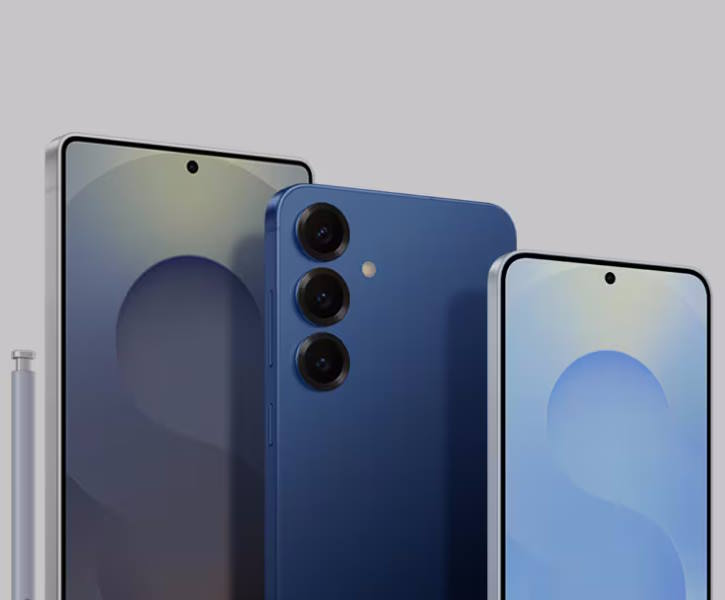
Samsung's Galaxy S25 series is a lineup of three flagship smartphones that offer a variety of features and price points. The Galaxy S25 is the most affordable model, while the Galaxy S25 Ultra is the most expensive and feature-packed. The Galaxy S25+ sits in the middle, offering a balance of features and price.

In this overview of the Galaxy S25 series, we delve into the key differences and similarities among the Galaxy S25 vs. S25+ vs. S25 Ultra models. By highlighting 10 distinct differences and 9 notable similarities, this Galaxy S25 News and Updates post aims to provide you with the essential insights needed to make an informed decision regarding your interest in the Galaxy S25.

First, let's start with the similarities.

Key Similarities among Galaxy S25 vs. S25+ vs. S25 Ultra

Although Galaxy S25, S25+, and S25 Ultra differ noticeably in size, they share common key features

All three models of Galaxy S25 share several key features, including:

  • Galaxy AI Features. All three models share the same core AI capabilities, mainly powered by Gemini. The new Galaxy AI features include voice-activated searches, Audio Eraser, Auto Trim, Now Brief (daily information updates), and Seamless action across apps. The Galaxy AI features introduced in One UI 6.1 and One UI 6.1.1, of course, are available on Galaxy S25.
  • Updated ProVisual Engine and Photo Assist. Samsung Galaxy S25 comes with the updated ProVisual Engine and Photo Assist, which include a set of AI-powered image processing, photo taking, and photo editing tools. You can use them on all three models.
  • Nightography Video. Low-light video recording is enhanced on all models.
  • Audio Eraser. Background noise reduction in videos is available across the series.
  • Processor and RAM. All models use the Qualcomm Snapdragon 8 Elite for Galaxy processor. In most regions, the RAM of all three models is identical (12GB).
  • Front Camera. Galaxy S25, S25+, and S25 Ultra share the same 12MP front camera (see layout of Galaxy S25, S25+, and S25 Ultra).
  • One UI 7 (Android 15). All models run the same Android software. Update: One UI 8 update (with Android 16
Read the rest
Scroll to Top